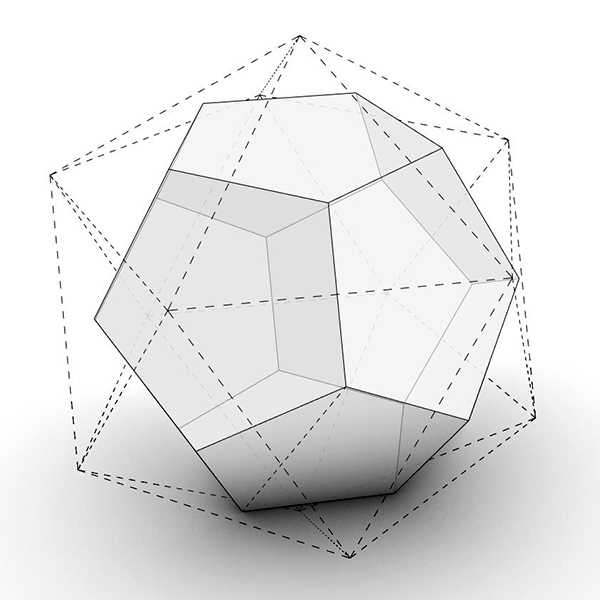
Dual Polyhedra in Grasshopper
Exploring dual polyhedra in Grasshopper is an interesting topic. In this post, I try to generate the dual of any polyhedron using Grasshopper. I developed this code for Rhino Python earlier here, and now I have converted it into a Grasshopper-Python component for better usability. I start the process by breaking the polyhedron into individual faces and gathering the corner points of each face. These points become the vertices of the dual polyhedron. Then, for each vertex, I connect the centroids of the surrounding faces to create polygons, which form the structure of the dual shape. After forming the polygons, I generate planar surfaces from each one and combine all the resulting faces. Finally, I use Rhino’s Brep tools to join the planar surfaces into a single solid, creating a clean and fully manipulable dual polyhedron.
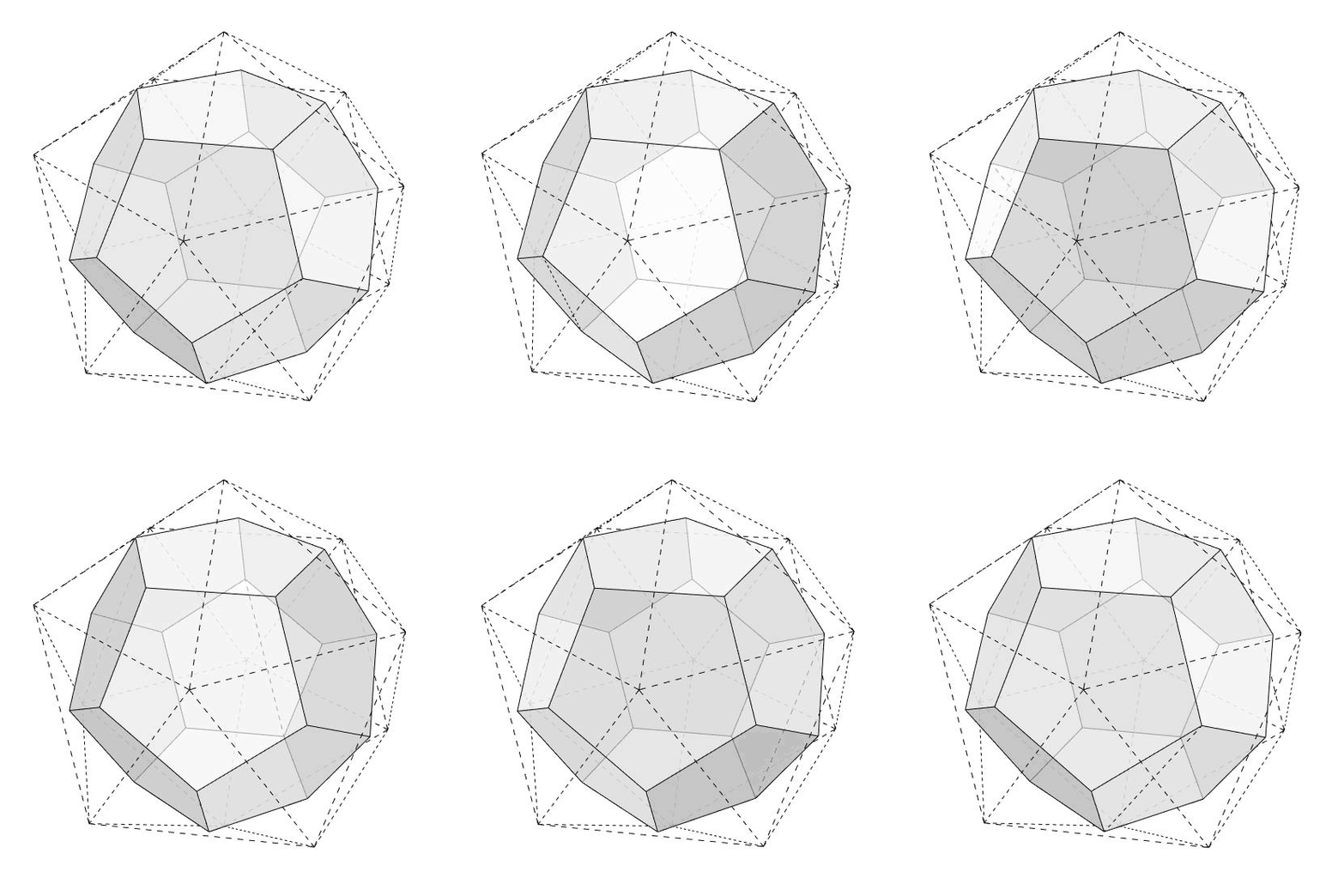
I developed this code in Rhino 8 (Python 3). This means it will NOT work in Rhino 7. B is the Brep for the solid. It accepts lists, so you can process many solids at once. dualBrep is the output that returns the calculated dual polyhedron (a closed polysurface). Therefore, the output is ready for 3d printing. The code is using the native Rhino 8 / Grasshopper Python component. Therefore, no add-ons are necessary for it to work.
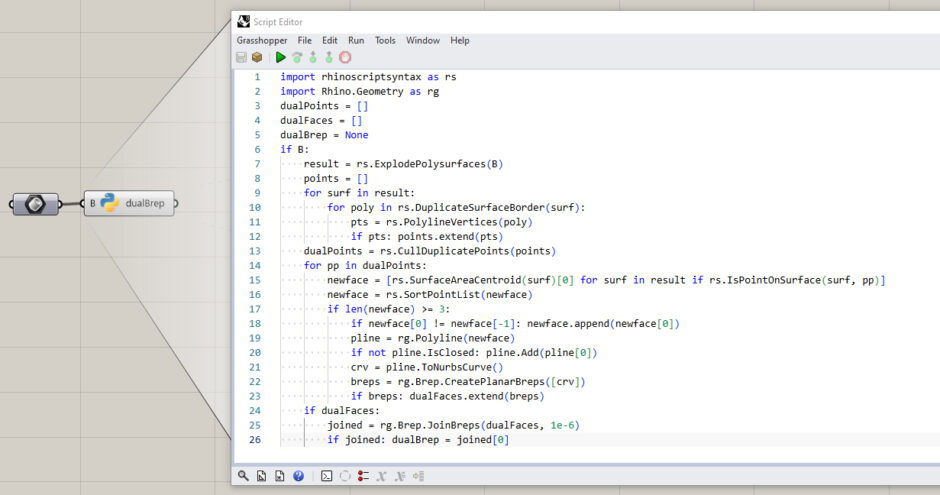
You can rebuild the component by looking at the code above. However, would you consider being my Patreon if you want to support this website by downloading my working Grasshopper file? Here is the link to my Patreon page, including the Dual Polyhedra for Grasshopper, and more.