
The First Grasshopper Book in Turkish
Together with Serkan Uysal, we pubished a comprehensive guide to Grasshopper. The book is in Turkish and is currently published by Pusula.
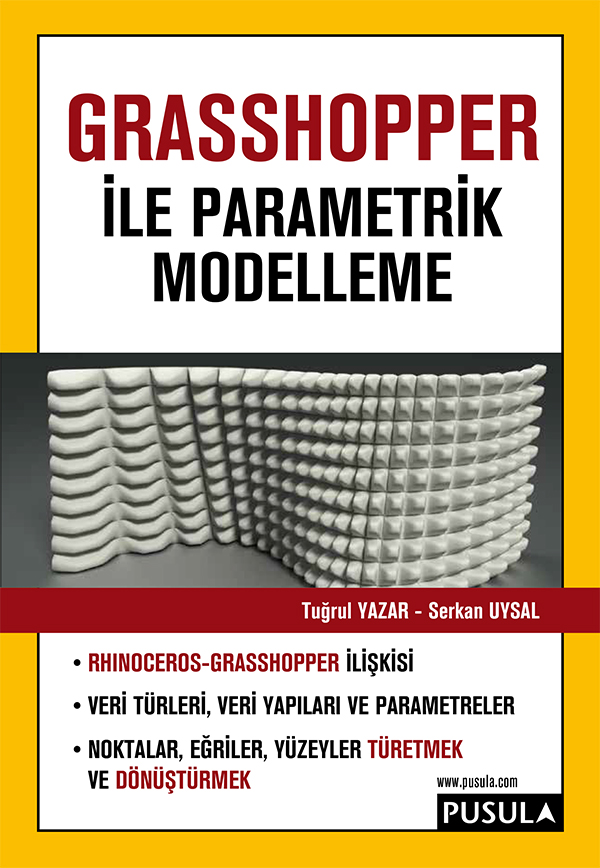
Grasshopper (GH) is a plug-in running on the Rhinoceros (Rhino) modeling software. It is used for algorithmic form-finding and real-time parametric modeling.
This book presents techniques aimed at architects, interior designers, industrial product designers, jewelry designers, and anyone interested in exploring parametric and algorithmic modeling for hobby purposes. Anyone who wishes to discover dynamic and unconventional geometric forms using Rhinoceros’s NURBS infrastructure and Grasshopper’s data flow diagrams—and master them as a design methodology—can benefit from this book. The book is structured primarily for beginners; however, intermediate and advanced Rhinoceros/Grasshopper users can also benefit from the techniques and applications presented.
The computational design approach pioneered by Grasshopper’s way of defining geometric relationships is becoming increasingly popular today. Although its interactive interface may initially seem as simple as a game or a puzzle, and its impressive geometric outputs can be somewhat mesmerizing, stepping into the world of Grasshopper reveals that it is far from a simple toy. It is quite difficult to make significant progress without thoroughly understanding the unique methods that distinguish Grasshopper from older, conventional scripting languages. Therefore, extensive experimentation and developing foresight into which paths to follow to solve specific descriptive geometry problems are essential—and this comes with experience. If you want to reach the level of knowledge and experience needed to develop your own applications with Grasshopper, this book is tailor-made for you.
The authors directly and clearly share the experience they have gained in this environment—where they have simultaneously served as students, researchers, design consultants, and instructors since Grasshopper’s inception. Covering both individual and applied uses of over 230 Grasshopper components, the book is structured to allow you to build your knowledge step by step.
No prior coding knowledge is required to start this book. Alongside designers, design students, and faculty members, we invite anyone wishing to meet parametric design purely out of personal interest to join us on the challenging and delightful journey Grasshopper opens to free you from the rigid world of conventional geometry.
- Rhinoceros–Grasshopper Relationship
- Data Types, Data Structures, and Parameters
- Grasshopper Installation, Execution, Interface, and Workflow
- Modeling Approaches Creating Points
- Deriving New Points from Numbers, Points, Curves, and Surfaces
- Working with Planes and Vectors
- Modeling Approaches Creating Curves
- Deriving New Curves from Points, Curves, and Surfaces
- Modeling Approaches Creating Surfaces
- Deriving New Surfaces from Points, Curves, and Surfaces
- GH Plug-ins: Anemone, Kangaroo, and Firefly
- INCLUDES 265 SAMPLE CODES
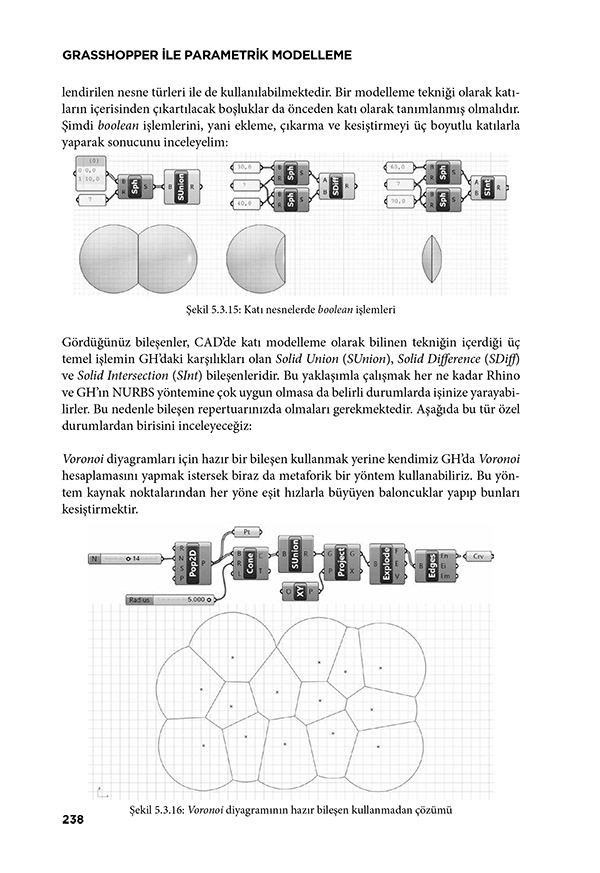
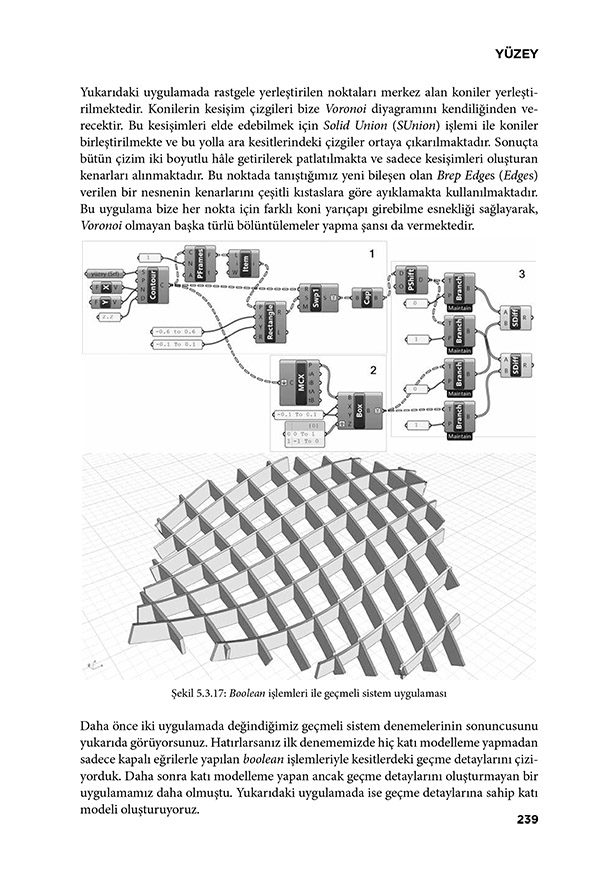
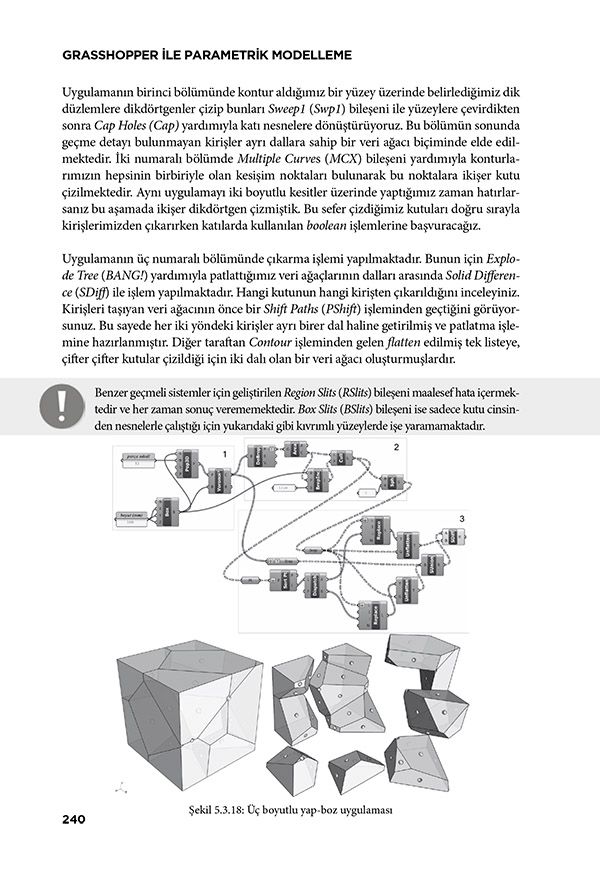
Update: Unfortunately, as of 2020, COVID, the publishing company couldn’t publish the second edition. So, it became a legend book with just one edition and 1000 copies.
Cite this post
Related Posts
Tensile Fabric with Kangaroo
September 25, 2026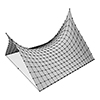
How much work we did last year for first-year architectural education! The tensile fabric study we carried out using Grasshopper Kangaroo in “Design Computing”, a first-year course I coordinated alongside my colleague Serkan Uysal, served as a baseline for the material research addressed in the Basic Design studio at that time. Such geometric optimizations in Kangaroo are no longer surprising or novel to anyone. However, experiencing these tools and possibilities in architectural education in the very first year offers a…
Curvature Map on Terrains
September 17, 2026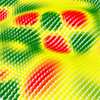
This is the last of the site analysis tools we previously used in the midterm project of first-year architecture education. As you may recall, we previously introduced a tool that generates topographies based on specific parameters. Afterward, we examined two tools that perform slope and flow analyses on these topographies. Today, we are presenting a tool that analyzes curvature. This topic actually constitutes one of the interesting intersection points between architectural design and differential geometry. Curvature is not something architects…
Flow Map on Terrains
September 11, 2026
We previously looked at the terrain generator script we used in midterm projects with first-year architecture students over here. Later on, we added a few analysis modules to this tool. You might remember the slope analysis tool from this link. Today’s topic is another type of analysis: flow. The idea for this code wasn’t actually mine; I developed it by looking at an existing script based on Serkan Uysal’s suggestion. Unfortunately, I don’t know who originally wrote it. Keeping track…
Slope Map on Terrains
August 18, 2026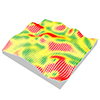
I previously shared the Grasshopper definition for terrain generation that we used in last year’s studio midterm. One of the goals of this project was to take the first step toward developing students’ skills in understanding, processing, and utilizing terrain data as a design input. To support this objective, we provided them with small supplementary tools. One of these tools was the slope map. As you can see, this is quite a simple Grasshopper definition. It computes the slope of…
Terrain Generator
August 13, 2026
Last year, for the midterm assignment in our first-year basic design studio, we gave our students a range of different, randomly generated contexts to work with. For this purpose, I developed a small Grasshopper tool that makes the graph of a function look as much like a terrain model as possible. This tool is not really a procedural terrain generator. I would genuinely like to build one, someday. What we have here is simply a function surface. At the inputs,…