
Paneling a Surface Manually
Digging out with Grasshopper, Rhinoscript, and Paneling Tools, everything seems to be more and more automated and fast. However my colleagues Mete, Benay and Elif reminded me that, we can always do much with those high-end architectural geometry tools, but we still have to understand and follow the roots, probably best described by the “manual ways”. Sometimes using these methods would be much more intuitive as they are SLOW enough for designers to think about what is going on there…
Here is a good example we experimented with our undergraduate students. One week after experiencing some sophisticated surface projection commands of the Rhinoceros such as flow on the surface and record history, this lecture was a flashback to its origins. The question was simple, can we still create any paneling design on flat or double-curved surfaces, without using additional plug-ins, scripting, or anything else other than simple drawing and snapping tools? Below is the starting point of that exercise. Reminding me to slow down and think about the really important things in life.
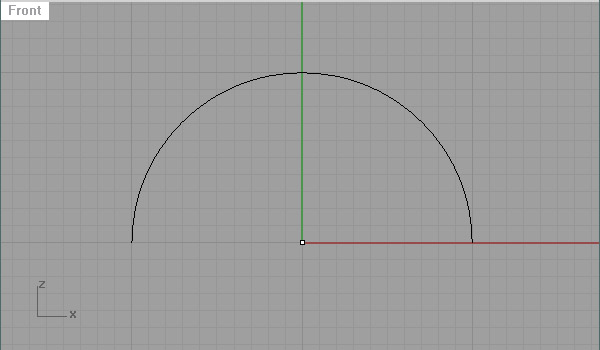
First, put a point to the origin of the design. Draw an arc.
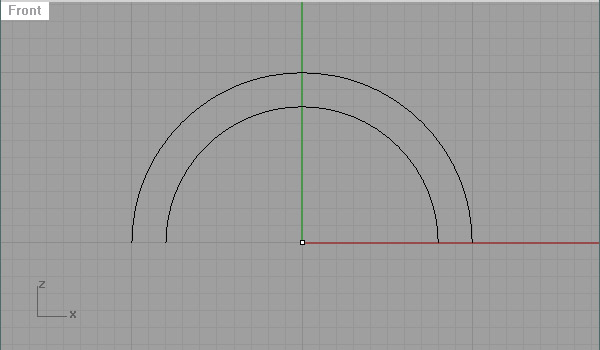
Draw a second arc to define the surface end.
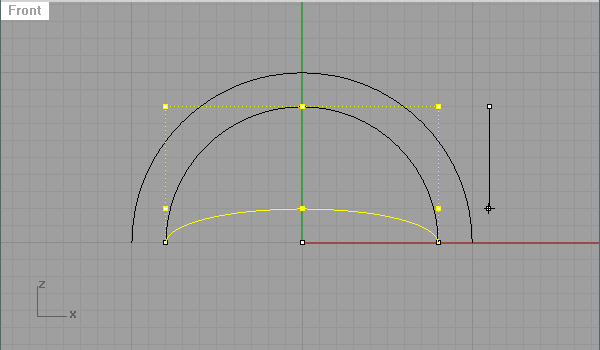
Manipulate the second edge, so that the surface would be a double-curved one.
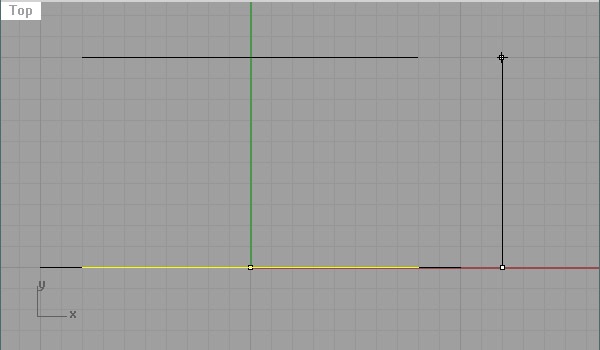
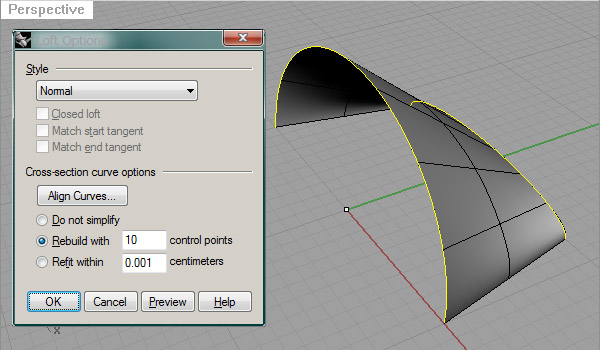
Just create the surface.
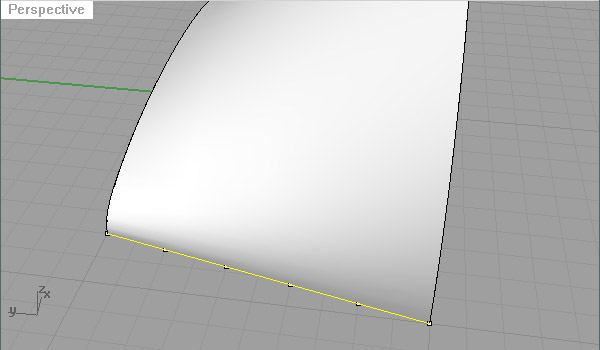
Now, put reference points and extract isocurves wherever you want.
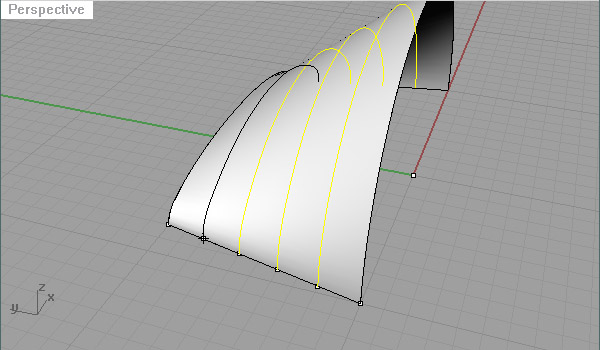
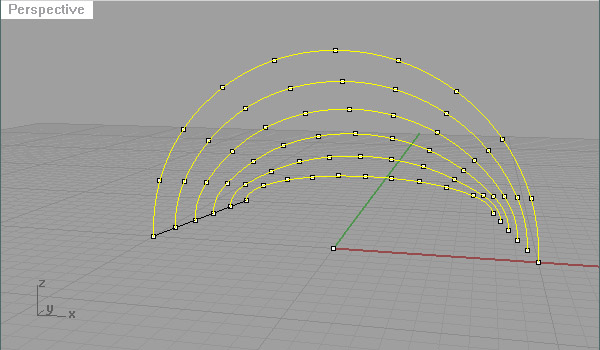
Then, divide those curves to create a paneling point grid. Looking at this from the start again, everything is now totally under your control, very much open to any manipulation or distortion.
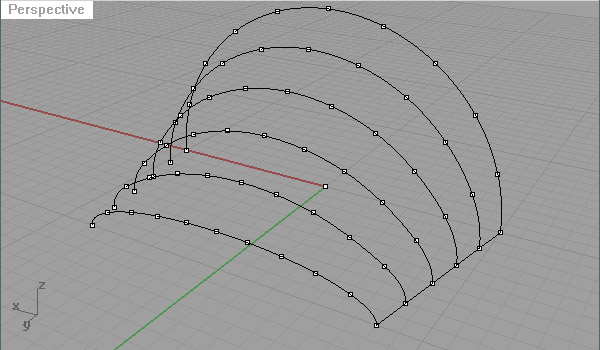
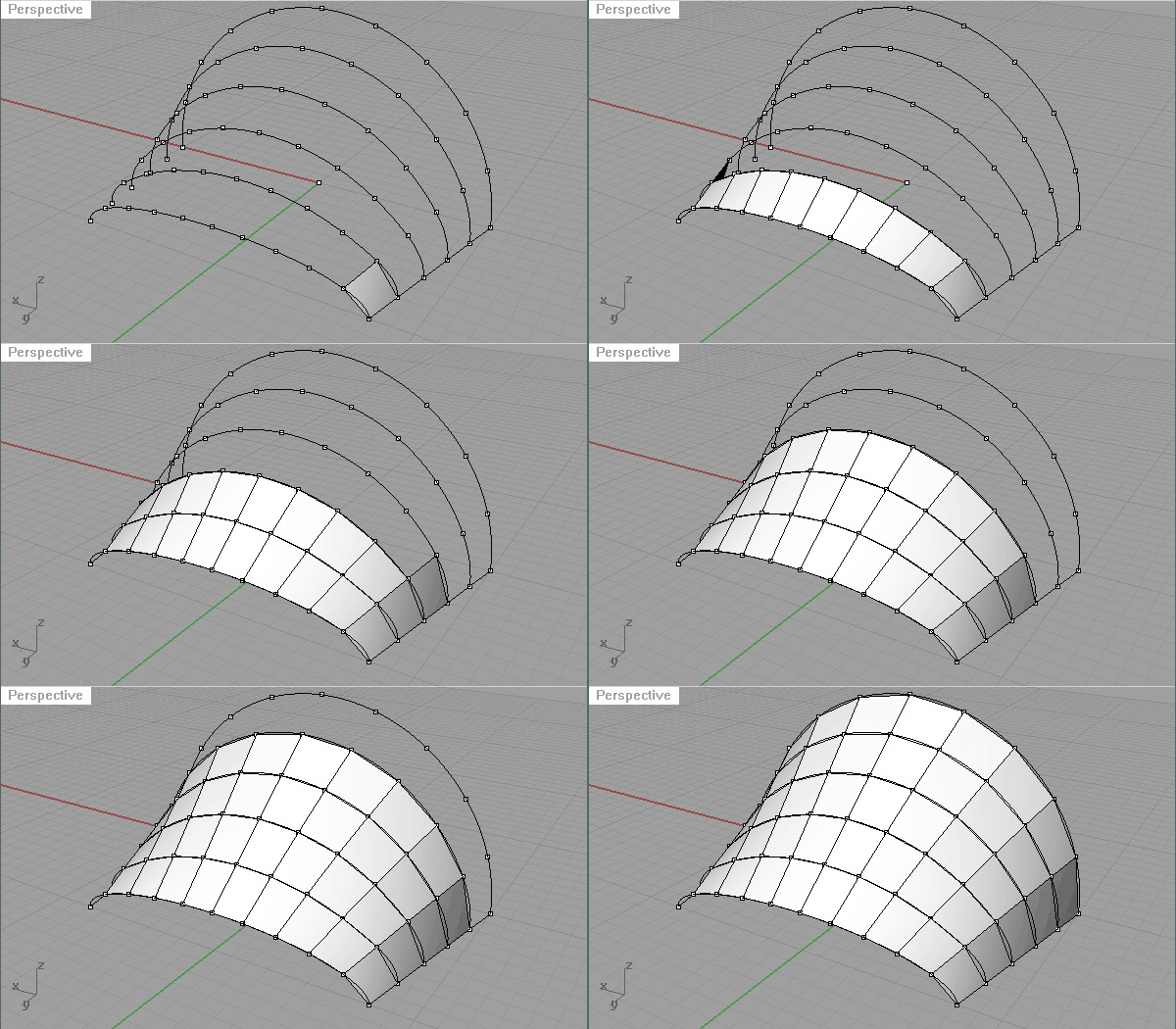
The rest is just 2d or 3d paneling of this (or other “layered”) grids. Here, again you don’t need any scripting. Just put non-planar quadrilateral panels or planar triangular panels one by one… Not automating anything. 50 quads or 100 triangles. One by one. Sometimes it is better to slow down.
Cite this post
Related Posts
Escher Patterns in the Classroom
August 22, 2017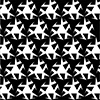
Here is one of the exercises I tested with a few students in Architectural Geometry. The exercise is about creating Escher-like patterns. It is an introductory topic on the designerly utilization of regular tessellations. We use square, hexagonal, or triangular tessellations as underlying structures of complex patterns. Below are some of the student works from this exercise. I think the black-and-white coloring helps in terms of reducing the requirements. Although the patterns designed in this exercise are not Escher patterns,…
Low-Poly Habitat
August 7, 2017
Below is a simple tutorial class we studied in Rhino in 2015 and 2016. The exercise is called “A Low-Poly Habitat”. The aim is to create simple polygon models by analyzing the overall geometric topology of an animal body. First-year design students attended the exercise and they are encouraged to create these models using blueprints from www. They used simple commands such as point, line, and surface from 3 or 4 points and that’s all. Such exercises (hopefully) help them…
Design Geometry Final Works
February 2, 2015
Classical folding methods were subjects to be tested and studied in this semester’s design geometry classes. This has been very useful in introducing first-year students to 3d euclidean constructions and using physical objects as references to a digital model. Groups of students studied different folding methods and made both physical and digital models. Two of these methods were dominant in the class however, one of them was the variations of Miura-Ori, and the other one was Ron Resch’s famous folding pattern. Below…
Some more Patterns
February 16, 2014
While preparing the Geometry yearbook, I picked these four patterns from the 4th week’s assignment, “Seamless Patterns”. I still love to see how these patterns are generated by students with very limited knowledge of computers and geometry. There are other posts about this assignment here and here. Below are four from this semester; Ceren Atik Zeynep Dutipek Ceren Atik Meltem Bayrak
Pattern Deformations Student Works
November 18, 2013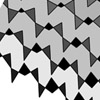
Below is some student works from this year’s Architectural Geometry / Pattern Deformations assignment. Students developed their own pattern deformation sequences mostly on regular tessellations. Based on the classical Parquet Deformation exercise, we tried to implement a rule-based approach in order to explore emergent patterns. The exercise seems to reveal endless improvisation potential. The exercise requires students to design a pattern deformation on a 28cm by 28cm area. It should include at least 100 cells. First, we explained several classical…