
Lace Experiments
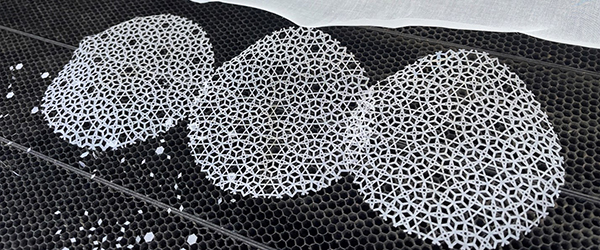
For a research project with Avşar Gürpınar in 2024, we studied lace patterns. During this process, I had the opportunity to try out two Grasshopper plugins: Parakeet and Clipper. When combined, they allow you to obtain laser-cutting patterns. Parakeet is a very good plugin that generates tessellations. This was something I always dreamed of developing back in my youth.
2-Uniform Tiling
In this design, I used the Parakeet component named 2-Uniform Tiling. In geometry and tiling theory, a 2-uniform tiling is a type of tessellation where the plane is covered edge-to-edge with regular polygons (equilateral triangles, squares, hexagons, etc.) and contains exactly two distinct types of vertices according to its symmetry group. The configurations used in this particular component are 3.3.3.4.4 and 6.4.3.4. What this means is: we have two types of vertex situations. In the first one, there are three triangles (3) and two squares (4) around a vertex. As you can guess, the sum of the interior angles of these shapes equals 360 degrees (3 x 60 + 2 x 90). The other vertex configuration consists of a hexagon, a square, a triangle, and a square, respectively. The sum of the interior angles of these four shapes is also 360. In short, a nice pattern consisting of triangles, squares, and hexagons is obtained.
Star Pattern II
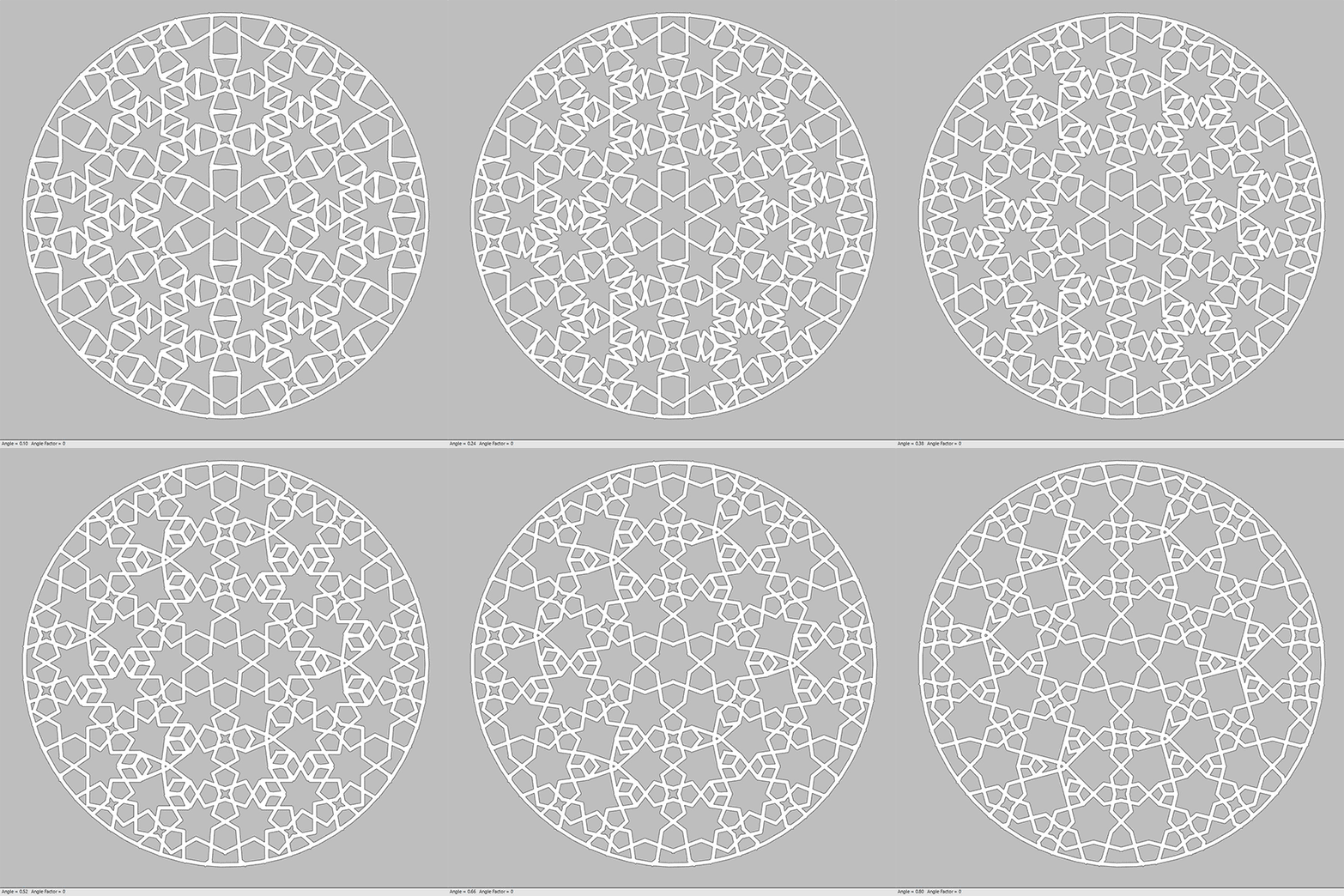
As the design continued, I connected the 2-uniform tiling to the Star Pattern II component. This component generates a star pattern on the given base using Hankin and Kaplan‘s famous Islamic Pattern method. I don’t fully understand its inputs myself, but what happens here is simply this: the component places an octagon at the midpoints of the cells within the given base and draws lines from its vertices to the midpoints of the cell edges. Since we always use midpoints, continuity is maintained throughout the pattern. By playing with the inputs, you can achieve very different results.
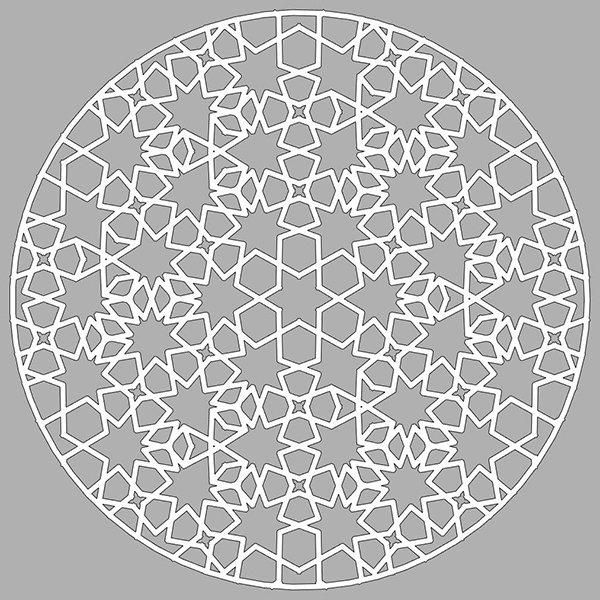
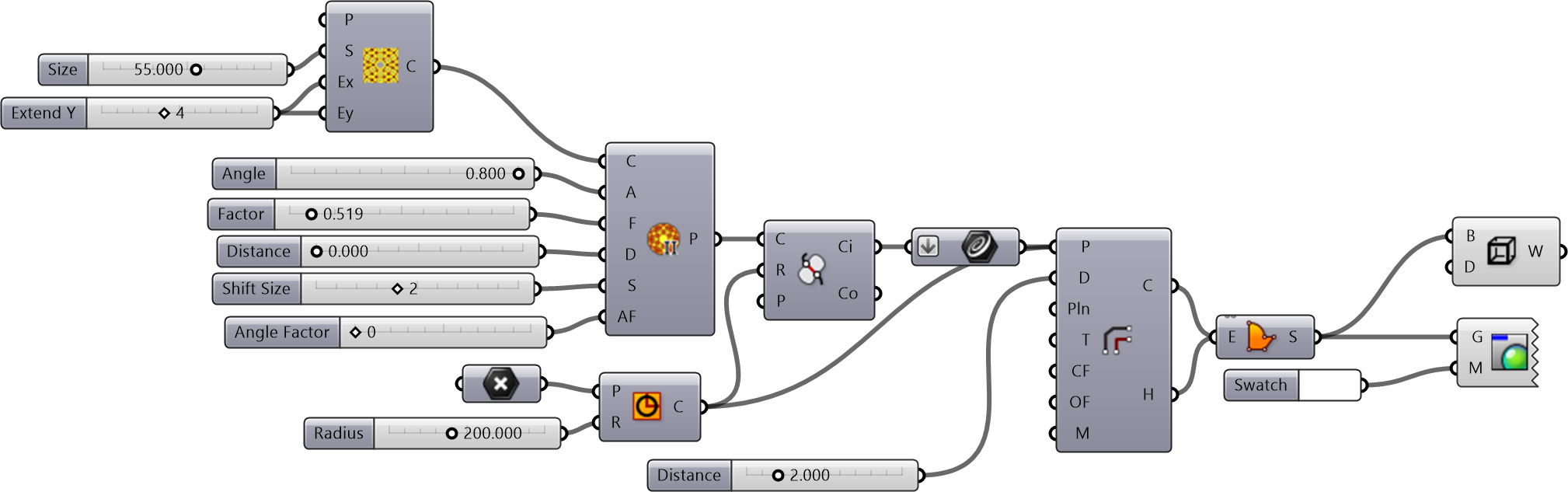
From this point on, I trimmed the pattern with a circular hoop and made it suitable for laser cutting or CNC machining by using the advanced offset capability of the Clipper plugin. As you know, I don’t much like using plugins, and I actually wish I could build these geometric constructions myself. This is why I couldn’t fully understand the inputs for the Star Pattern II component. This time, it felt a bit like taking the easy way out. You can examine the code below. Both plugins need to be installed for the code to run.
Cite this post
Related Posts
Scary Patterns
August 6, 2026
While digging through my archives, I found an old animation I made in 2023. Back then, I was generating patterns with Parakeet. Thanks to this talented add-on, I managed to create a nice pattern by dressing a different component onto a Snub Square tiling base. However, for some reason, things started turning into a horror movie after that. MultiPipe was popular back then. So, I converted this pattern into surfaces using MultiPipe and attempted an animation using Rhino’s rendered viewport…
Star Lattice
May 15, 2023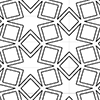
This is the six-pointed star lattice definition in Grasshopper. The definition is generating CNC or laser-ready results as seen below. In this code, first, I developed a common star pattern by exploding a hexagonal grid. The tricky part of this definition is the last part. There, you can see how you can use the Region Union (RUnion) component to add thickness to a pattern we have drawn before. The operation here will require trimming and extending commands under normal conditions….
Hexagonal Star Lattice
December 18, 2023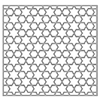
Here are the variations of classical six-pointed star patterns generated by Grasshopper. Generally, you can see these patterns under the title “Islamic patterns” because they are frequent in the decorations of mosques and palaces. I studied these patterns in Grasshopper earlier in these posts. I always find this an interesting geometry exercise. This time, my main goal was to develop a useful code only with the native Grasshopper components that create laser-cut-ready products of hexagonal star lattice. Thus, I made…
Kinetic Tessellation
May 12, 2014
This is one of the ideas we’ve tested for the workshop “Animate Patterning“. Apart from the pattern that turns around, the torque, rotation radius and speed of the servo, weight, connection detail, and a number of foamboards become important inputs for this design. In the three-day workshop, one group of students interpreted this idea of using several moving layers and creating an emergent pattern at the perceptual level. However their project was slightly different from this one, I’ll post their…
Deformation of Islamic Patterns
March 2, 2024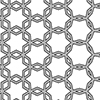
This is the new version of my previous study on the deformation of Islamic Patterns. I love the purity and simplicity of the geometric construction processes of these patterns. It is possible to observe them in many places in many different forms. By continuing this work, I aimed to highlight the pattern deformations that map out all the variation possibilities of these patterns. Unlike previous versions, this time I aimed to achieve results ready for laser-cutting production. As you will…