
Catenary Dome without Kangaroo
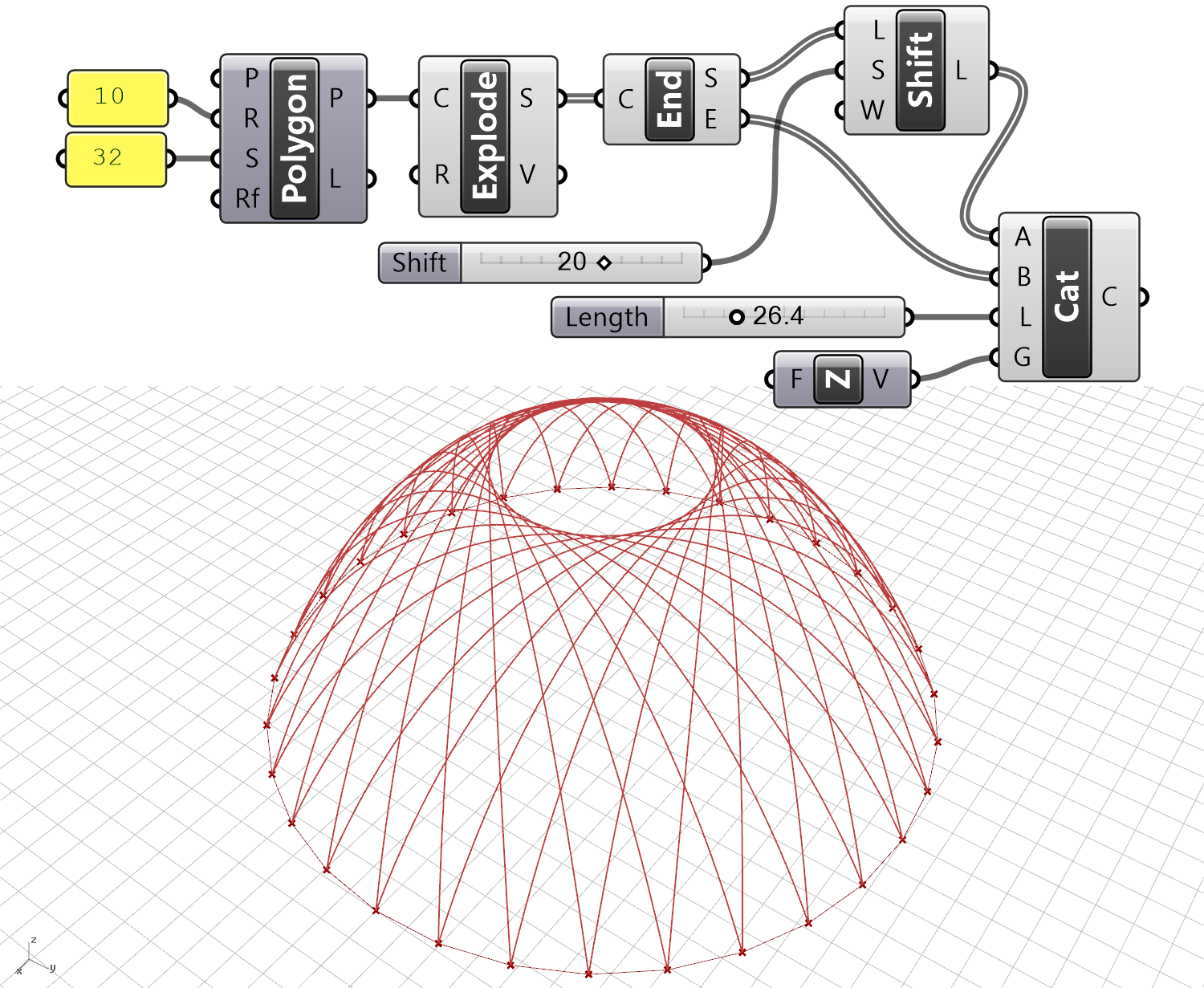
When thinking about serious and specific topics, I suddenly find myself looking back at the basics again. Catenary curves, are not the most beautiful one among those mathematical forms found in nature. However, it still tells us a lot about structures. The name apparently comes from catenaria, the Latin word for “chain”. This Grasshopper code was actually an example from our book 10 years ago (link here). It seems catenary curves could potentially be used in a type of dome design, especially if you want to avoid using Kangaroo, where unnecessary.
According to the internet, the mathematical expression of this curve is as follows.

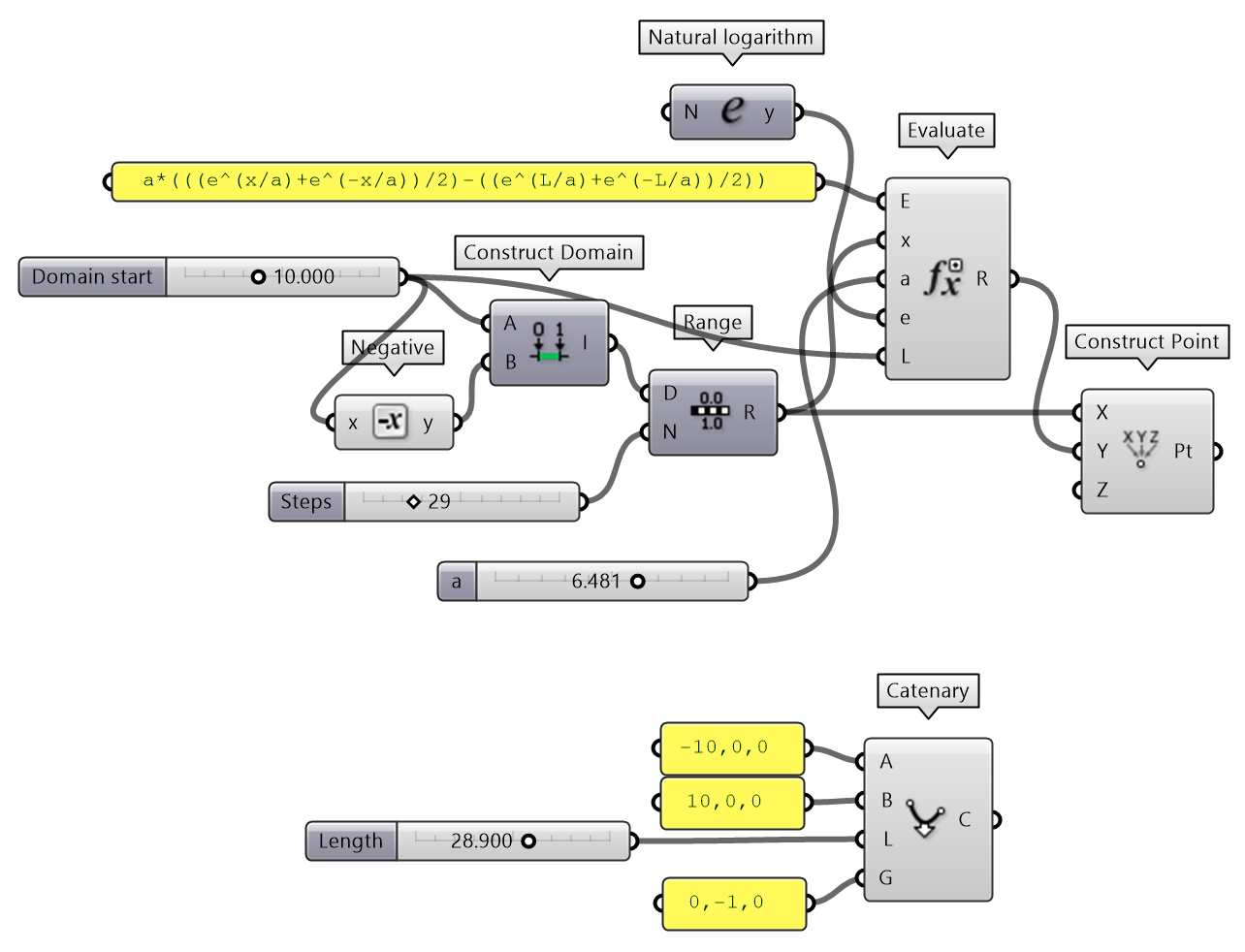
Since Grasshopper already gives us a built-in Catenary component, I never questioned it before. But suddenly, I started wondering whether this component was actually drawing the curve correctly. The Grasshopper code below draws catenary curves using the formula above. Maybe in the future, we might need to model these curves in an environment other than Grasshopper, so it’s always beneficial to keep studying the fundamentals rather than just memorizing ready-made components. When inspecting the formula, the first thing that catches the eye is an e value. This is called Euler’s Number. Grasshopper provides this as a ready-made component. Since I don’t know how it is calculated (for now), we are incorporating the built-in e value into our formula. As for a, it might look like the length of the chain. But it isn’t. It acts as a kind of tension force; as it increases, the curve flattens.

Ultimately, I tried to fix both ends and compare it with Grasshopper’s existing component. The formula got quite long. In its final form, this formula is essentially a simple explicit curve graph, but it works like this: By turning the equation into the form above, we fix both ends. In the original equation, since the resulting y values depended not only on x but also on a, the curve shifted up and down. To fix both ends like a chain, we added an L value to the function. This way, in our example, when we plug in 0 or 10 for x, the y value drops to 0.
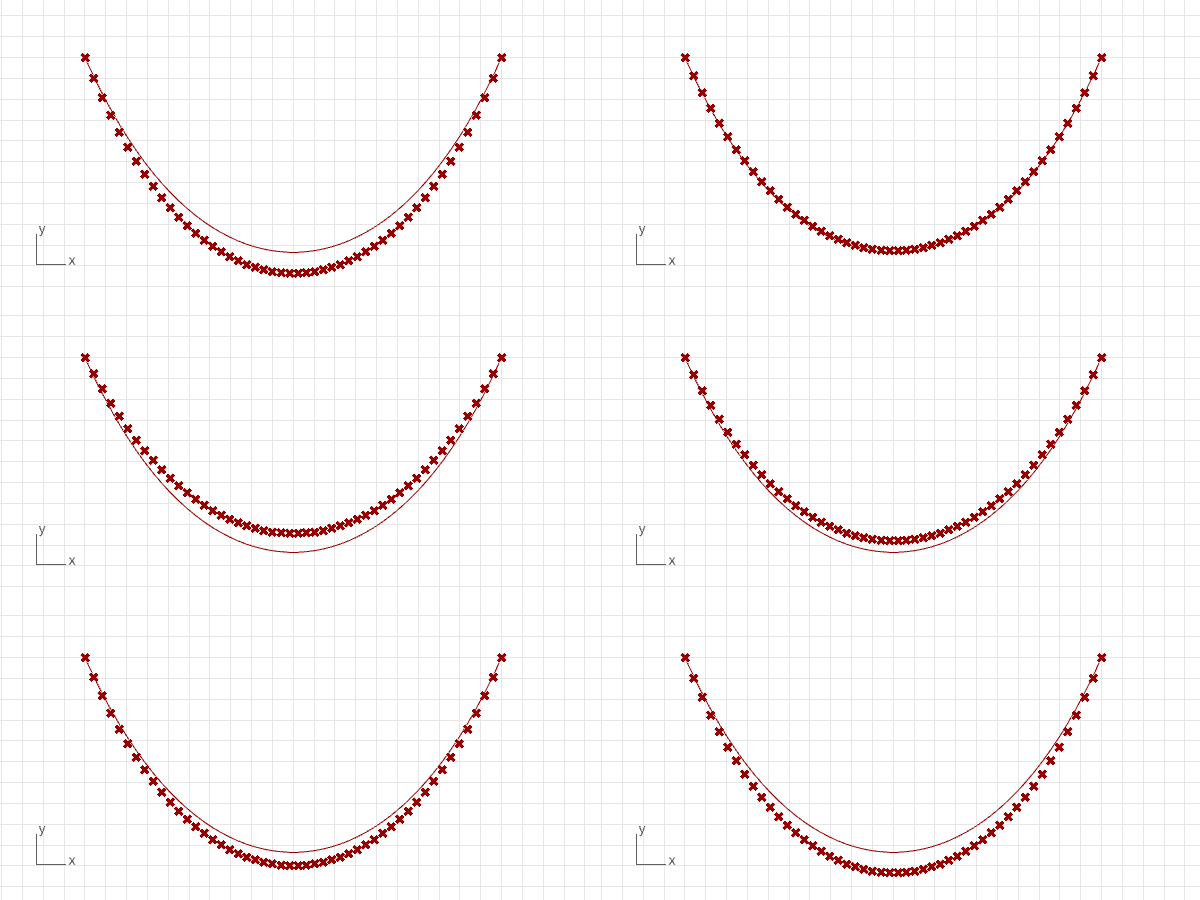
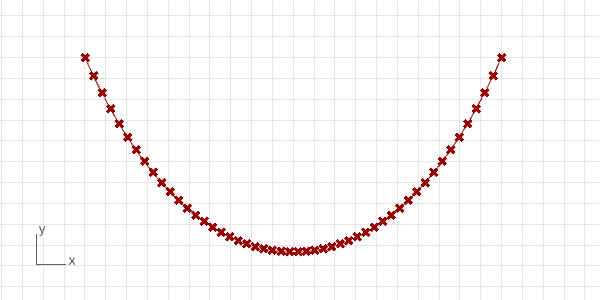
Unfortunately, chain length input cannot be entered into my definition. However, we can observe that Grasshopper calculates it correctly. Instead of going through all this, you can safely use the ready-made component, after all.
Cite this post
Related Posts
Parametric Pendentives
August 1, 2024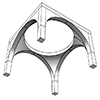
A pendentive is an architectural feature used in domed structures. It is a triangular section of a sphere that allows for the transition from a square or polygonal base to a circular or polygonal dome. Pendentives curve upward from the corners of the base and support the dome above. They help distribute the dome’s weight more evenly and enable the construction of a dome over a non-circular base. I created this Grasshopper model using a technique I had previously presented…
Spherical Cycloid
April 2, 2024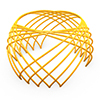
Today’s beautiful curve is the spherical cycloid. It is a cycloid, rolling on a 3d circular path rather than a straight and 2d one. There are algebraic explanations of this curve. Therefore, I find it interesting to experiment with them, since it is more interesting than the regular planar cycloids, epicycloids, and hypocycloids. This curve is believed to have been studied first by Jean Bernoulli in 1732. The interesting and playful part of this is the resulting curve is always…
Fibonacci Dome
March 1, 2024
This is the continuation of my previous study on the Fibonacci lattice on a spherical surface, creating a Fibonacci Dome structure. The panelization of curved forms with flat surfaces has been a favorite topic in architectural geometry. The trigonometric layout of the Fibonacci sequence generates a spherical formation, while the Faceted Dome component handles planarity. Here, I further enhanced the previous code into a pavilion design. The essential part of the code is about the placement of points on the half…
Geodesic Dome
January 28, 2024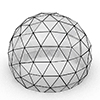
Geodesic refers to the shortest path between two points on a curved surface. It is based on the principles of geodesy, which is the science of measuring the Earth’s shape. On the other hand, in architecture and design, a geodesic dome is a spherical or hemispherical structure consisting of a network of geodesic lines (great-circle arcs) forming triangles. Therefore, the dome’s framework provides strength and stability, distributing stress throughout its structure. Buckminster Fuller popularized and developed the concept of the…
Discrete Fourier Transform
May 8, 2025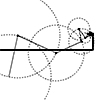
The Fourier Transform is a powerful mathematical technique that allows us to analyze the different frequency components within a signal or shape. Its discrete version, the Discrete Fourier Transform (DFT), is used when working with numerical data. I studied the Fourier Series here before. One of the most fascinating aspects of the DFT is that it can represent a signal or shape using rotating circles (or vectors). Each circle corresponds to a specific frequency, amplitude, and phase. When connected in…