
ASCII Art in Grasshopper
ASCII art is a graphic design technique that uses characters from the ASCII (American Standard Code for Information Interchange) set to create images, symbols, and designs. This form of art involves arranging text characters to form a visual representation of objects, scenes, or abstract patterns. I first encountered this art form in the 90s through readme text files and computer games. Years later, attempting to automate it in Grasshopper was a lot of fun. My initial goal was to calculate the density of Arial letters, the standard font used in Grasshopper. However, this task proved more complex than I expected. So, I found a prearranged set of letters online, organized from darkest to lightest. I could use this set to replace pixel darkness with corresponding letters via a simple Image Sampler operation.
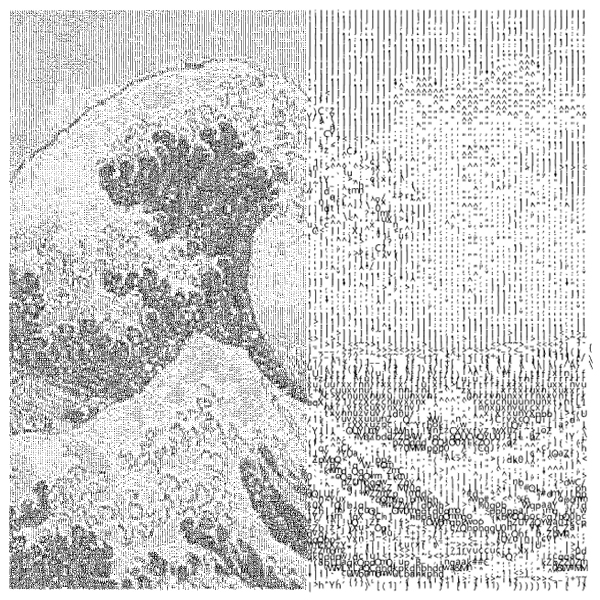
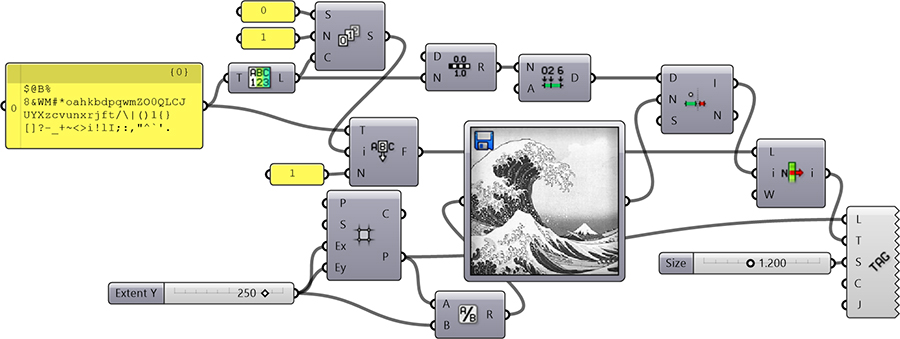
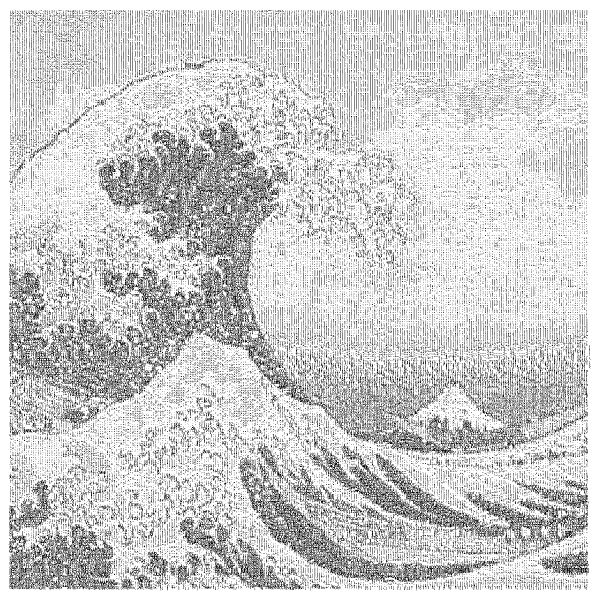
This Grasshopper definition generates ASCII art. The inputs are the image file, grid size, and density. If you decrease the density, the image becomes unrecognizable; if you increase it, the calculation takes a lot of time. The output is a set of text objects in Grasshopper, making it ready for printing, laser cutting, and other processes once baked into Rhino. Additionally, this model can be used to explore and learn about domains and text operations in Grasshopper. There’s room to experiment with different letter sets. Additionally, instead of a square grid, letter locations could be calculated as in typewriter art.
Cite this post
Related Posts
A Text Effect
January 2, 2015
This is a macro exercise in Rhino, showing that Rhino is pretty much capable of automating some cool text effects. Just copy and paste the below code into the command bar of the Rhino, or open the macro editor by typing macro edit, then paste it there and press play. You’ll enter any string when prompted, then the macro handles the rest of the process. You can play with the parameters by changing the numeric values you see in the…
String Art in Rhino Python
June 19, 2025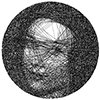
String art is a cool art technique that combines geometry and aesthetics to recreate images using lines between pins. Here is a good reference to start studying it. In this post, I explored a custom Rhino Python script designed for Rhinoceros 7 and 8. It transforms a grayscale image into a dense web of threads. The algorithm analyzes the darkest areas of the image and connects pins in a circular layout to form compositions. The script begins by converting a…
Subdivide by Image Contrast
October 17, 2012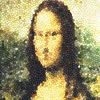
This was my old plan to work with images in Grasshopper. Certainly, that was not the result I expected, but this could be counted as a starting point. After seeing beautiful circle packing compositions here, I decided to program Grasshopper, so that it’ll create a subdivision, based on image data. This was the initial version, just subdividing a plane with Voronoi points and visualizing it according to the image’s color values of proper UV coordinates. There is no interpretation on…
Aligned Text in Grasshopper
January 7, 2014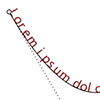
Currently, Rhinoceros does not offer the capability for an aligned text onto a curve, to the best of my knowledge. However, Grasshopper, with its latest version, provides a solution for such tasks by offering a range of text components. For my current project, I am studying an installation. It incorporates various typographic effects, and Grasshopper has become an invaluable tool in this regard. Nevertheless, it is important to note that Grasshopper’s native text components do not yet include a comprehensive…
Image Sampler Revisited
March 17, 2015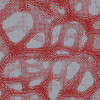
Image Sampler of Grasshopper saves life if used responsibly. While explaining the component to this year’s ARCH362 students, I used this simple example that generates numbers from a beautiful picture of “metal foam” and uses it to generate lots of circles: Metal foams are lightweight but strong materials, that are typically produced by injecting gas into the liquid metal. Of course, it becomes easier to teach something when you manage to attract the attention of students.