
Swirly Flames
One of the main requirements of being successful in the field of digital design seems to have nice high-tech background images. Usually, it contains different kinds of nebula-like grids, plastic-explicit, and/or combinations of curves-surfaces-and-numbers, burnt by a couple of photoshop filters. If you have the right background, this means you are ready for a workshop, a book, or a presentation. (just joking) However, I love these, and cannot stand more than 1 minute working for them. So, here is what I found ten years ago while preparing a portfolio. This way, you can create a couple of possibilities in just a few seconds;
1. Open a blank sheet in photoshop, select the gradient tool with any color you want (or just black to white),
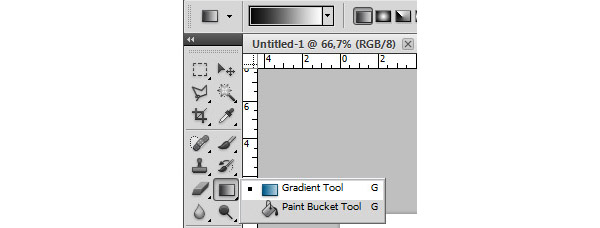
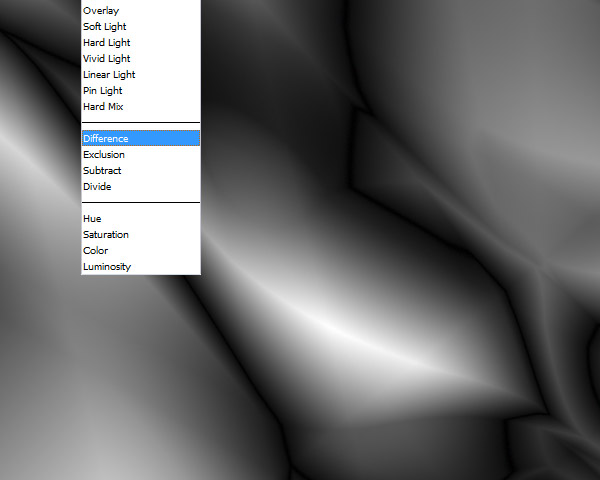
2. Choose “difference” as the “mode” of gradient (this is very important) and paint the sheet with it however you want. Also, try other types of painting such as radial and diamond gradient by selecting them from small buttons just left of the “mode” dropdown menu.
3. Now run the photoshop filter “find edges” (under “filter/stylize menu”) to create a pattern. Finally add “auto contrast”, “variations”, “diffuse glow” and/or any effect you want. (2023 edit) Unfortunately, the “Variations” tools were removed from Photoshop. You can use Hue/Saturation instead.
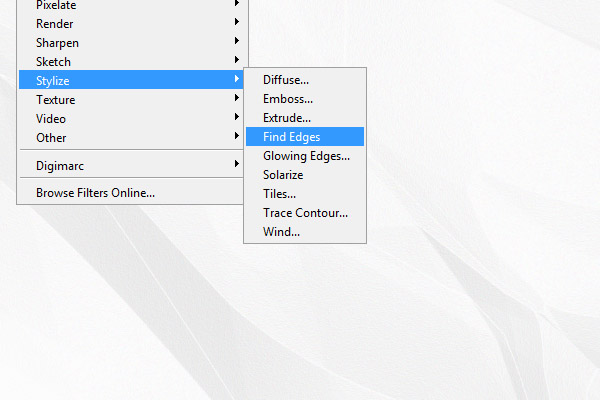
The “find edges” here create a grainy texture, lines, curves, and shadow-like surface effects altogether. I found this method accidentally when I misunderstood something else in a tutorial. It is interesting to see the effects of “difference” in the gradient process, every attempt creates very different results. I sometimes play with them, using different colors, and photoshop filters. However, I didn’t use them in any poster or workshop yet. That proves that the background does not elevate the content.
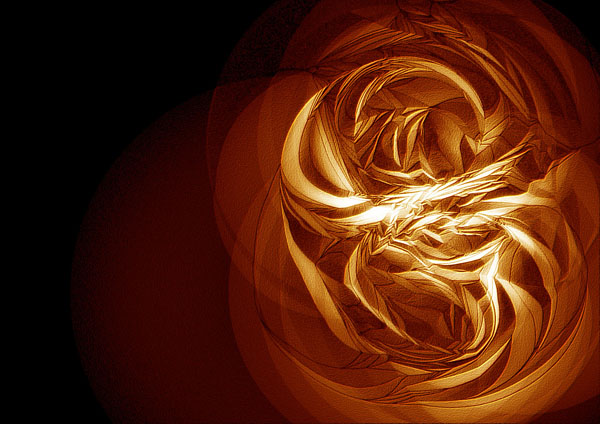
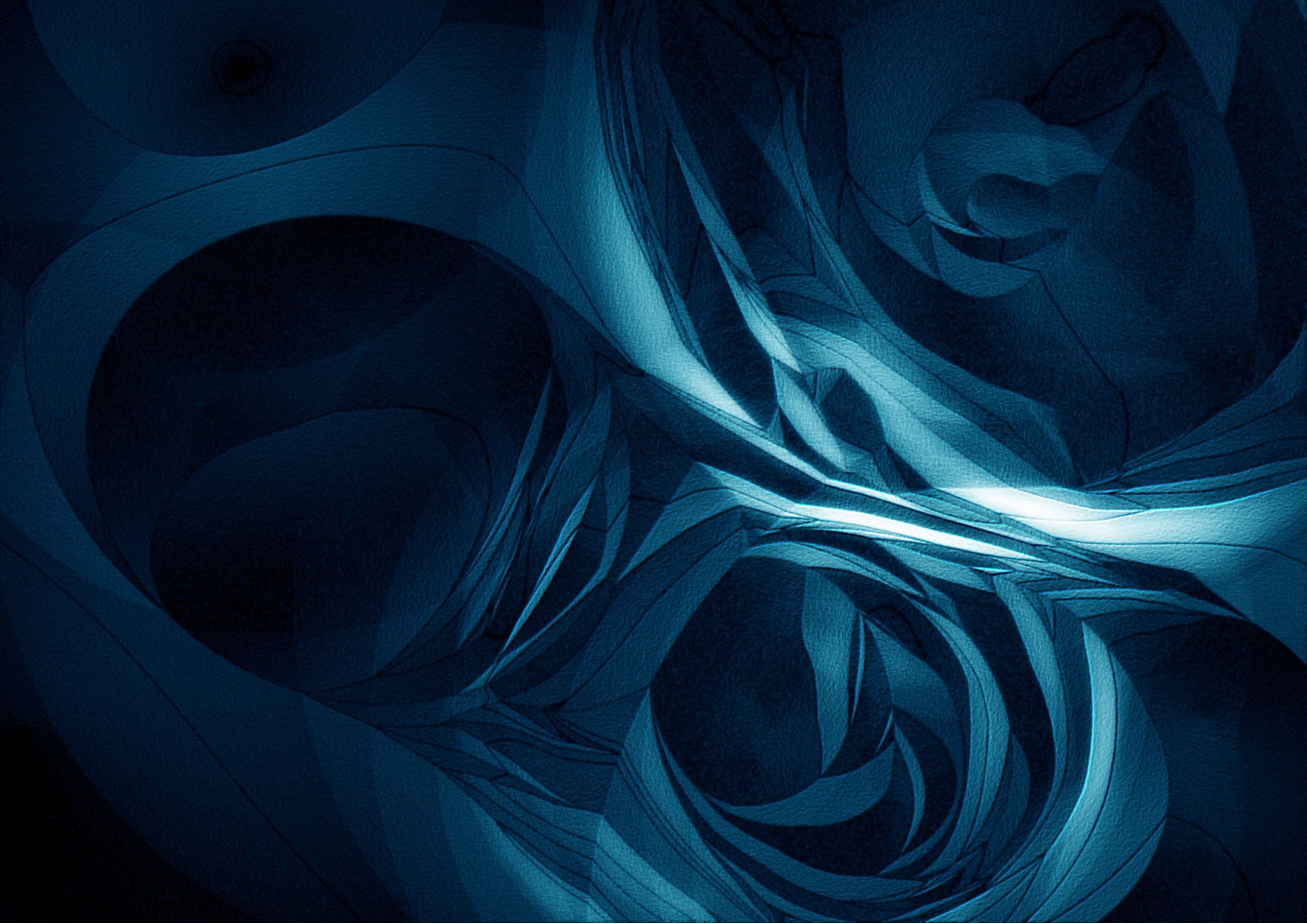
Click on the below images to see them closer.
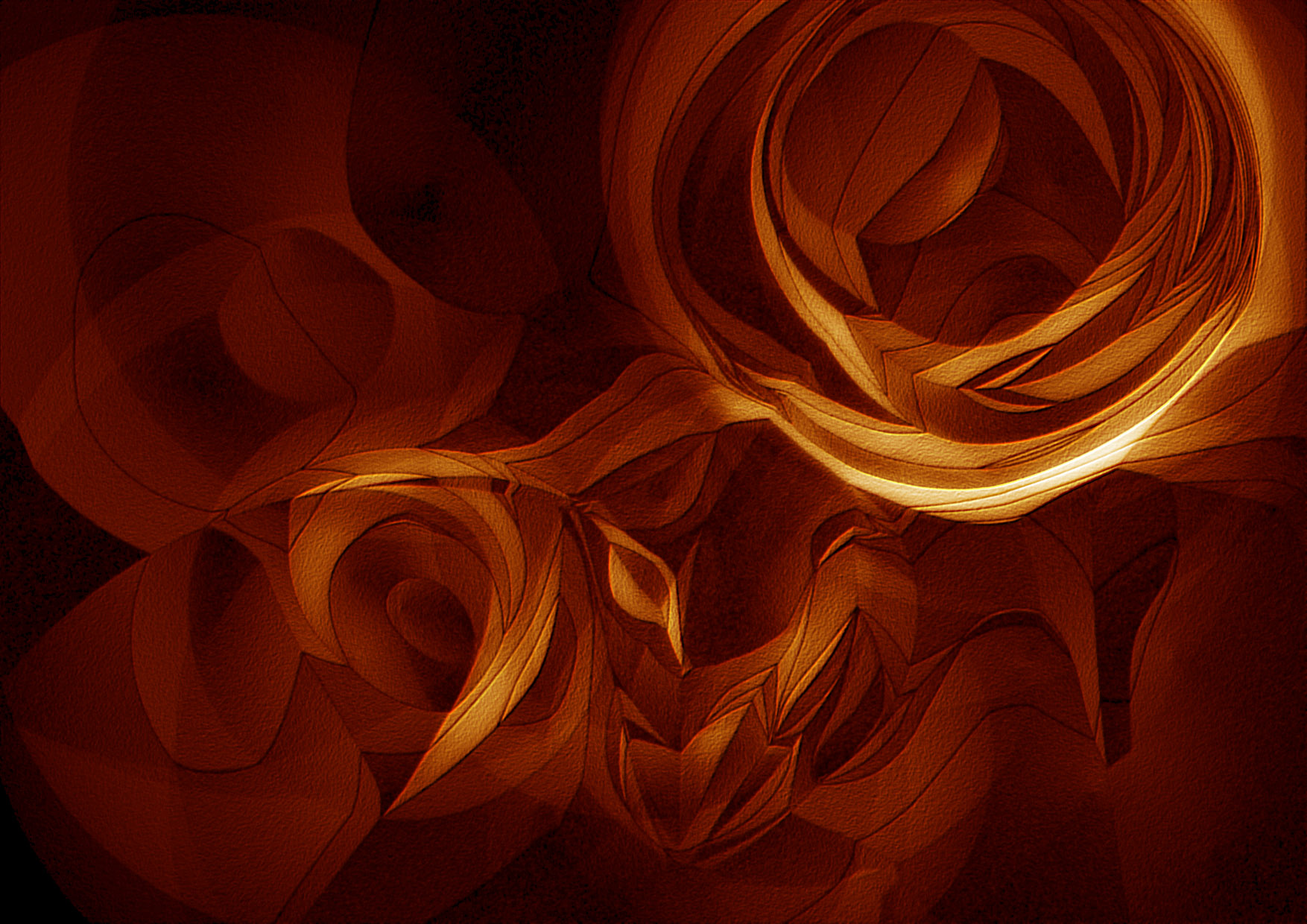
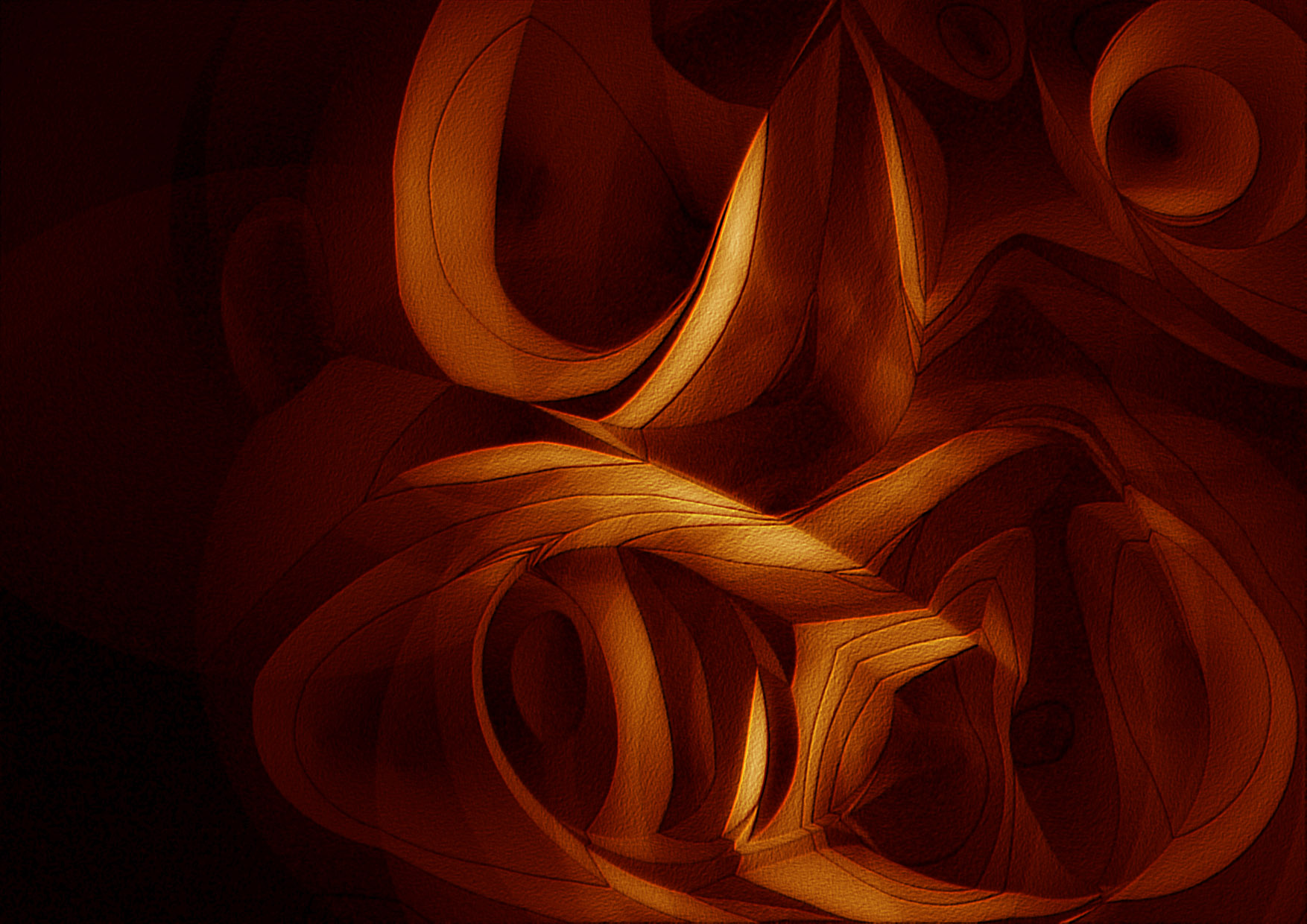
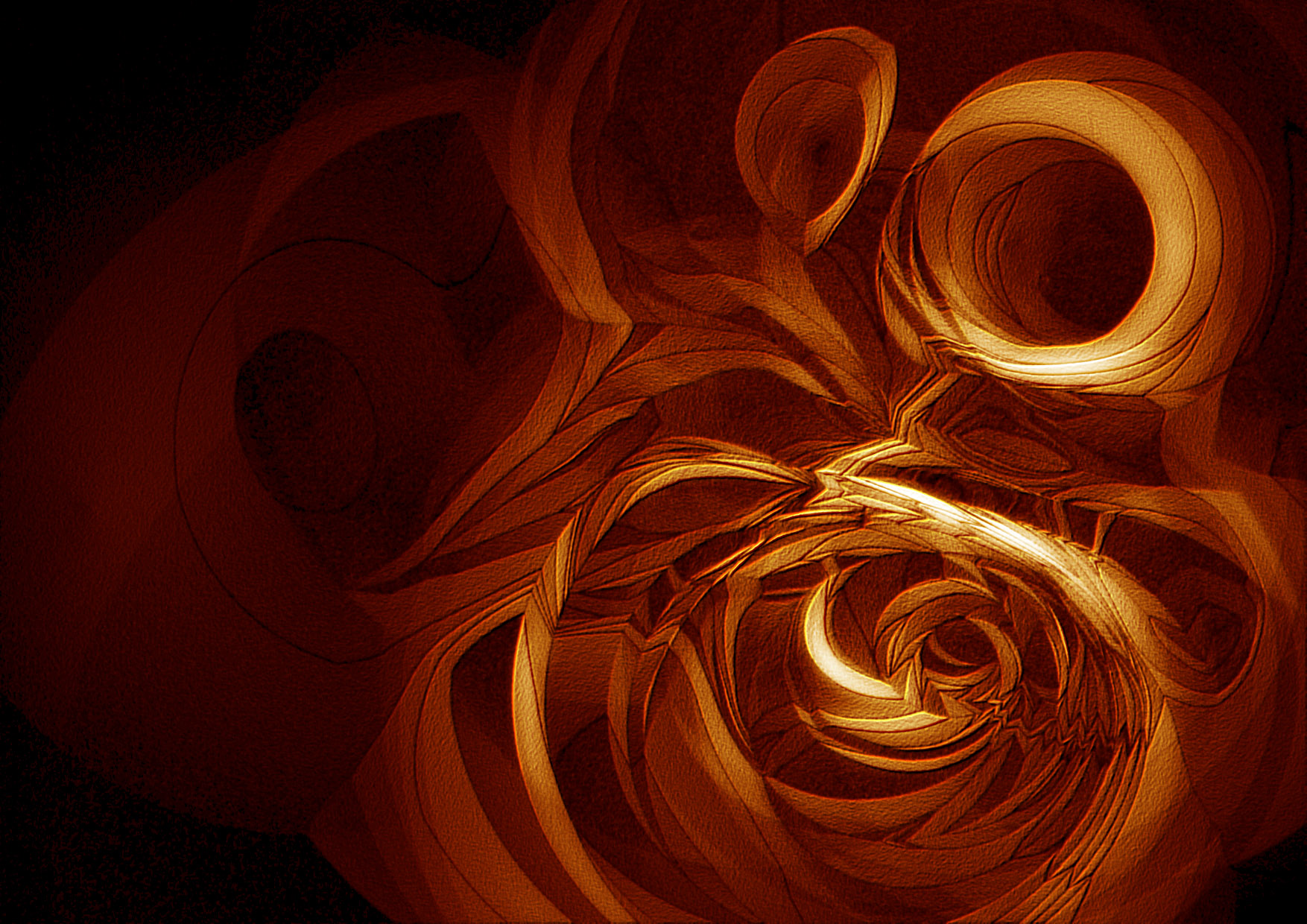
Cite this post
Related Posts
More Swirly Flames
March 21, 2023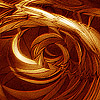
This is a return to the Swirly Flames tutorial I made in 2013 here. Since then, Photoshop changed a bit. There is no more Variations tool. Therefore, I had to use other tools such as Color Balance, Hue/Saturation, Inverse, etc. to achieve the same effect. It is still cool for me, personally, although we are in the age of AI-generated images now. It is not the visual result only, but the memories it carries until today. Nowadays, I am translating…
Animated Gif in Photoshop
December 30, 2011
In the post of “animated parameters” we created a video file using Grasshopper’s “animate” functionality. A sequence of images are then joined together to form a video file. This time, we’ll create an animated gif image that can be played on web without even using a video player. It is a much simplier solution but however it does not have the potentials of a “real” video file such as mp4 or flv. If you own photoshop cs5, just open the first…
Subdivide by Image Contrast
October 17, 2012
This was my old plan to work with images in Grasshopper. Certainly, that was not the result I expected, but this could be counted as a starting point. After seeing beautiful circle packing compositions here, I decided to program Grasshopper, so that it’ll create a subdivision, based on image data. This was the initial version, just subdividing a plane with Voronoi points and visualizing it according to the image’s color values of proper UV coordinates. There is no interpretation on…
Rhinoceros Layout Tutorial
December 14, 2024
In Rhino, layouts are used to prepare drawings for printing or presentation. They provide a way to organize and display 2D views of your 3D model, such as top, front, side, and perspective views, in a way suitable for producing printed or published documents. In this short tutorial video, I show the basic usage of the Rhinoceros layout system. So, this Rhinoceros Layout Tutorial video is for beginner-level CAD users. Therefore, you can use it to create PDF posters and…
Rhino Print Dialog
November 2, 2013
Here is a simple description of Rhinoceros’ Printing dialog. It is the same with version 4.0, nothing changed in layout and printing dialogs in 5.0. Significantly our Architectural Geometry classes should benefit from this explanation. Most of these options should be tested with a plotter (e.g. pencil widths) before final print-outs. Also, you may try creating a PDF file of your homework from this dialog.